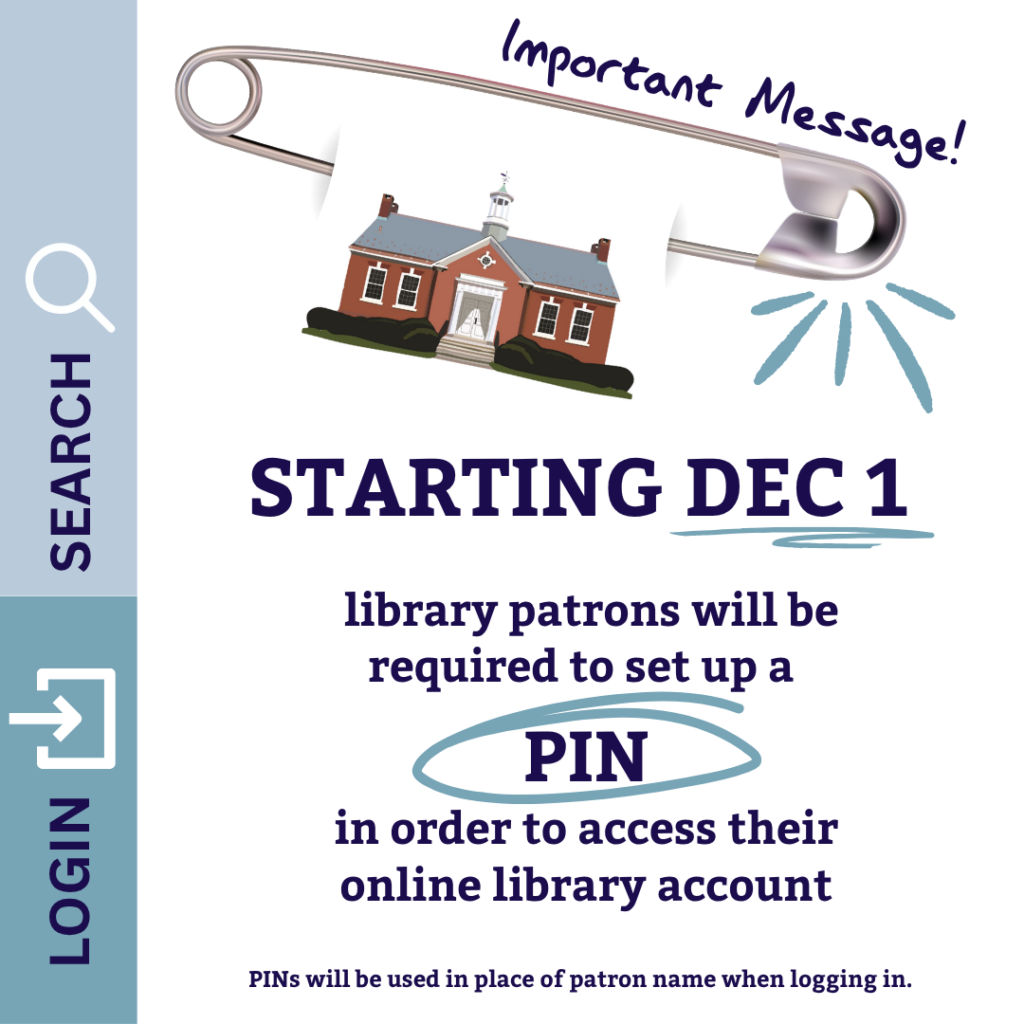
Starting December 1, LION library patrons will be required to set up a Personal Identification Number (PIN) in order to access their online library account.
Library accounts are used to place holds on items, request inter-library loans, and renew checked-out items; the new PINs will be used in place of patron names when logging in via the catalog, and eventually to access certain digital resources as well. Don’t worry! There’s no time limit for setting up a PIN, and the process is simple. Take a look at the FAQ below for an overview of the implementation of PINs – more specific information and detailed guides will be available after December 1. If you’re still confused, feel free to ask a librarian!
FAQ
Why are LION libraries implementing Personal Identification Numbers (PINs)?
LION libraries are committed to the protection of patron privacy. PINs are more effective in keeping patron information private and secure than other forms of authentication. Therefore, the “Your Name” field that appears when signing in to your library account will be replaced with a PIN going forward.
Will I need to set up a PIN if I don’t use my library account?
No, if you never use your library account, you will not need a PIN. However, if that changes and you do decide to use the library’s digital resources, you will be prompted to create a PIN.
What will I need to set up a PIN for?
You will need to set up a PIN to access your library account in order to place holds, renew items, and check your account. You will also need a PIN in order to access some digital resources that require your library card number, like OverDrive/Libby and Kanopy, which will require your PIN as of February 1, 2027.
Is the PIN for my library account the same as the PIN that will be needed for Overdrive/Libby and Kanopy?
Yes, it will be the same PIN for all digital library resources.
How do I set up my PIN?
You will be prompted to create a PIN the first time you log in to your library account, starting on December 1, 2026.
The PIN must be at least four characters long, but the system can accommodate more complex passwords. LION recommends you use more than the minimum number of characters and construct a PIN using alphanumeric characters. Do not use any special characters in your PIN.
You will need to have an active email address associated with your library account in order to set up and, if need be, reset, your PIN. To check, add, or change the email address for your account, simply log in to your library account and click “Account Settings” under the “My Account” menu. Add your preferred email address in the field under “Contact Information” and then click “Update Contact Information”.
Does the PIN expire?
No, the PIN does not expire.